Credits are charged when you start and refunded automatically if it fails.
Features
What the RainDance AI video generator makes
Every shot
01
Every shot of the RainDance trend
Many generators turn your photos into one continuous clip and invent the scene. RainDance AI follows the trend's own cuts and camera moves from the first shot to the last, and both people keep their roles throughout.
No watermark
02
A clean RainDance AI video in 480p or 720p
Download an MP4 with no watermark, in 480p or the sharper 720p, ready to post. It's silent by default; turn on Add audio if you want it with sound.
Any duo
03
Partners, friends, pets and cartoons
Each person keeps the look of their own photo. A real photo stays photoreal, a cartoon stays a cartoon, and a cat stays a cat. Put in your partner, your best friend, your sibling, your dog or two characters who should never be singing to each other.
Free preview
04
A free RainDance AI preview first
Start with a free 2-second preview to check both faces before you spend anything, then go for 480p or the sharper 720p.
How it works
How to make a RainDance AI video
No editing app, no prompt and no filming. It takes four steps and works in any phone or desktop browser.
01
Upload two photos
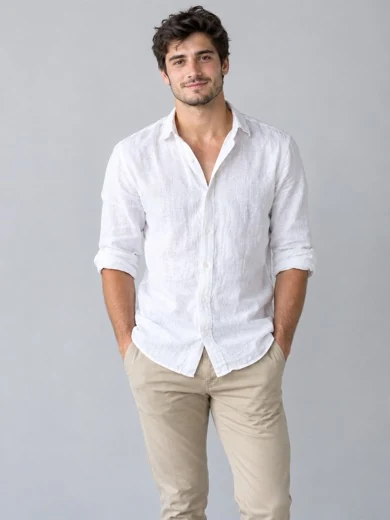
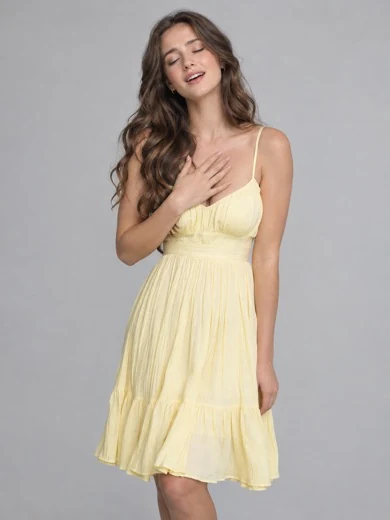
Add one photo for each role: Photo 1 waits, Photo 2 sings. One character per photo works best.
02
Make the free preview
Confirm you can use the photos and make a 2-second preview. It's usually ready in 2–5 minutes.
03
Make the full video
Choose 480p or 720p. It usually takes 5–10 minutes, and you can leave the page meanwhile.
04
Download and post
Download the MP4 and post it. Every video stays in My videos.
The trend
What is the RainDance AI trend?
The RainDance AI trend is a two-person music video set to "Raindance" by Dave featuring Tems, remade with AI so anyone can star in it. It's also known as the RainDance meme or the dock singing meme.
Song
"Raindance" by Dave featuring Tems, released October 2025, UK number one in January 2026
The scene
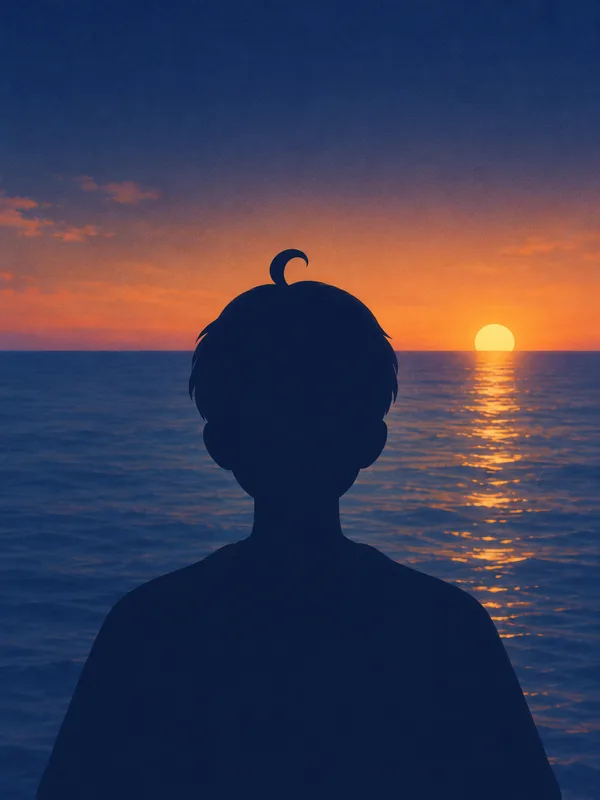
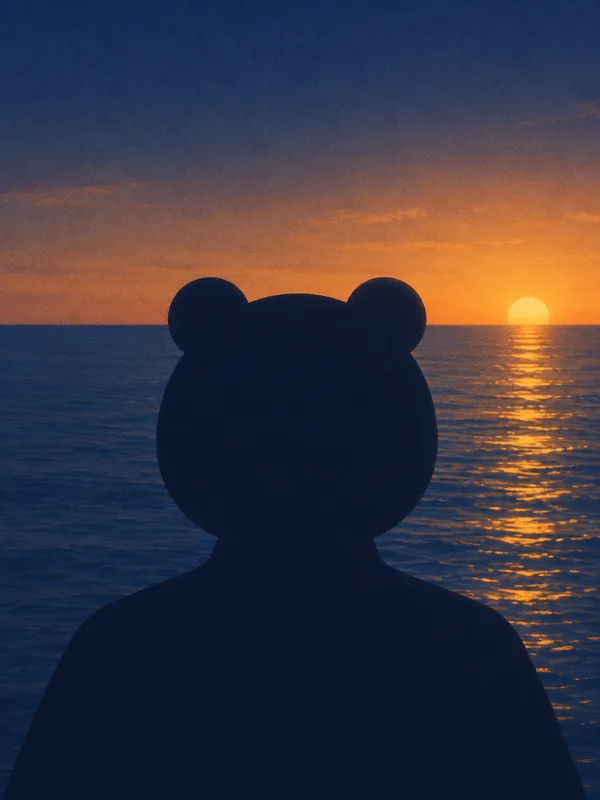
One person waits at the end of a wooden dock, the other walks in and sings, and the two end up side by side on the beach at sunset
Started
Late September 2026, as AI remakes on short-video apps like TikTok and Instagram Reels
Who people cast
Partners, best friends, siblings, pets and cartoon characters
Not to be confused with
The Raindance Film Festival or Raindance showers
Photo order
Which photo goes first in RainDance AI?
RainDance tools disagree on photo order, which is why tutorials contradict each other. Here the rule never changes:
Photo 1
Photo 1 waits on the dock
Opens the video, shares the wide shots and sits with the singer at the end.
Photo 2
Photo 2 is the singer
Walks in and gets the close-ups, so use your sharpest, best-lit photo here.
Roles stay with the photos through every cut, even when the two change sides of the frame. Uploaded them the wrong way round? Tap Swap before you start.
Examples
Who to put in your RainDance AI video
RainDance AI for couples
The classic version. It works as a soft launch, an anniversary post or a message to someone far away.
RainDance AI with your best friend
Cast the friend who never sings as the singer and keep a straight face. Siblings, roommates and the group chat duo all work, as long as each photo shows one clear face.
RainDance AI with your cat or dog
Cast your pet as the one waiting and yourself as the singer, or let two pets do the whole thing. A clear, front-facing photo of the animal gives the most recognizable result.
RainDance AI with cartoon characters
The funniest versions cast two characters who should never be in a love song together. Draw or generate them, upload one character per photo, and they stay in their cartoon style.
Photo tips
Best photos for a RainDance AI video
Your photos decide most of the result. A good likeness is likely with clear photos, but faces and hands can still drift in turns and right after cuts.
Works best
+One character per photo
+Face toward the camera, eyes visible
+Half body or full body, outfit showing
+Even daylight, sharp focus
Avoid
–Group photos with several faces
–Sunglasses, hats or hands over the face
–Mirror selfies with the phone showing
–Tiny, far-away or blurry faces
Common problems and fixes
The faces don't look right
Use a sharper, front-facing photo with even light, and crop group shots down to one person. Check the free preview before making the full video.
The wrong person is singing
Photo 2 is always the singer. Tap Swap to switch the two photos and make the video again.
A photo was blocked
The video model checks every photo and sometimes rejects one. Try a different, clearer photo of one person. Blocked videos cost nothing.
The video failed
Failed videos are retried automatically, and if they still fail your credits go straight back to your balance.
Compare
RainDance AI vs a CapCut template
There are three common ways to join the RainDance trend. Here is what each one gives you.
CapCut template
Single-clip AI tools
RainDance AI
You and your duo appear in the scene
Follows the trend's shots and cuts
Two different people from two photos
Free to try
Free preview
A CapCut template sets your own clips to the trend's timing, but it can't put you in the scene. Single-clip AI tools put you in a scene, usually as one continuous shot.
Pricing
Start free. Buy credits when you're ready.
Your first 2-second preview is free. After that, pick a one-time credit pack: no subscription, and credits never expire.
First 2-second preview
Free
Each extra preview
10 credits
Full video · 480p
100 credits
Full video · 720p
200 credits
Starter
$8.99
100 credits
1 full video in 480p
Or 10 extra previews
Credits never expire
Most popular
Popular
$19.99Save 25%
300 credits
3 full videos in 480p
Or 1 in 720p + 1 in 480p
Credits never expire
Best value
Best value
$39.99Save 36%
700 credits
7 full videos in 480p
Or 3 in 720p + 1 in 480p
Lowest price per credit
Prices in USD, paid once. Credits are only charged when a video starts, and failed videos are refunded automatically.
Upload a photo for each role, make the free 2-second preview, then make the full video and download it. There is no prompt to write and nothing to install.
Is RainDance AI free?
Your first 2-second preview is free, and a failed one doesn't count. Full videos use credits from a one-time pack starting at $8.99, and failed videos are refunded automatically.
How long is the video, and how long does it take?
The full video is 26 seconds, the whole trend from the dock to the sunset. The free preview is a 2-second clip to check both faces first. A preview is usually ready in 2–5 minutes and a full video in 5–10 minutes, and you can leave the page while it's made.
Does the video have sound?
Yes. Turn on Add audio before you make the video and it comes back with sound. It's silent by default, so you can also add a sound from the app's library when you post.
Is the video vertical?
The video is 4:3, the same frame as the RainDance trend videos. TikTok and Instagram Reels play it with bars above and below, the same way they play the original trend clips, so nothing is cropped out.
Does the video have a watermark?
No. Previews and full videos download without a watermark.
Can I make a RainDance AI video on my phone?
Yes. RainDance AI works in any phone or desktop browser after you sign in with Google. There is no app to install, and the MP4 downloads straight to your phone.
Can I use a pet or a cartoon?
Yes. Each photo keeps its own look, so a cat stays a cat and a cartoon stays a cartoon. Use one clear, front-facing subject per photo.
Are my photos private?
Yes. Your photos are only used to make your videos and are never shown publicly on this site. To have your photos and videos deleted, email support@raindancevideos.com from your account address.
Why did my RainDance AI video fail or look off?
The video model's safety check reviews every photo and may turn down ones that look like a famous person or a well-known character, read as sensitive, or show an unclear face or several people. Sexual or explicit content is never allowed. Failed videos are retried automatically, and if they still fail your credits are refunded. AI video can also drift a little from the trend, such as a changed pose or a face or hands shifting for a moment; clear, front-facing photos keep this to a minimum, so check them with the free preview first.
What song is used in the RainDance AI trend?
The trend uses "Raindance" by the British rapper Dave featuring the Nigerian singer Tems.
Is Raindance an AI song?
No. "Raindance" is a real song by Dave and Tems. The AI part of the trend is the video: people use AI video models to put themselves and others into the dock scene.